

I just finished today my first presso with CFframeworks on ColdBox and man what an ordeal. The Adobe Connect completely failed on my Mac and rendered it useless. So I had to scramble to export the keynote to powerpoint, copy some files to my PC and try to get something going. So I truly apologize for not sticking to the entire agenda, but technical problems ensued. The worst thing is that I did not have a mic for the PC, so I hijacked a pair of earphones and use that as a microphone, Electrical Engineering 101!! So overall, at least I had something to show from the PC!! I though I never would have said this, but thank you PC for behaving!! Hopefully the next one will work on my Mac and all the samples I had. Anyways, I will be posting some scaffolding templates and try to record it. If anybody wants to donate iShowU I will create more recordings and post them up. Brief tutorials on several features. So please help out. Anyways, here is the link for the "Incredible" Presso http://adobechats.adobe.acrobat.com/p70636895/ If you have any questions, please let me know.
Blog
Recent Entries
BoxLang 1.18.0 Released : Every Cloud, Every Node, Every Agent
Azure joins the serverless family. Scheduled tasks become cluster-safe. And the whole platform gets documentation and skills built for developers and AI agents working side by side.
If you run a technology organization, you are being asked to do three things at once: ship faster, keep the estate you already have running, and make AI part of how your teams work. Most stacks make you choose. BoxLang 1.18 is another step toward not having to.


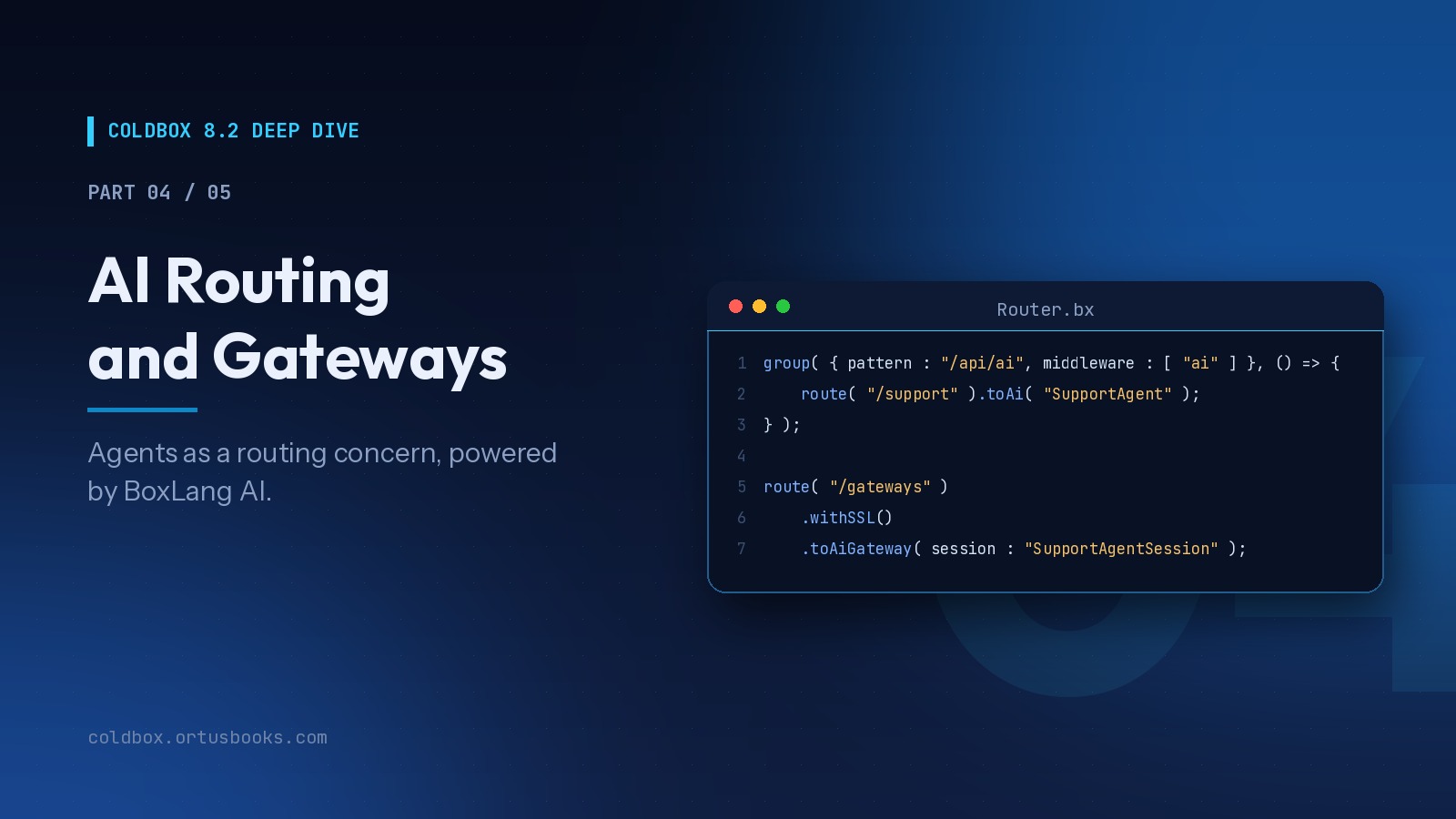
ColdBox 8.2 Deep Dive, Part 4 of 5 : AI Routing and Gateways
We've been building AI into the core of ColdBox since 8.0, because the applications teams are asked to build have changed. They talk to models, stream answers, expose tools to other AI systems, and increasingly host agents that act on behalf of users. None of that should require bespoke plumbing in every project.
Add Your Comment
(5)
Jul 18, 2007 19:45:11 UTC
by Sean Corfield
Why do you require name / email for people downloading ColdBox?
Jul 18, 2007 19:46:27 UTC
by Luis Majano
I am removing it soon, but yea never got to remove it.
Jul 18, 2007 19:46:53 UTC
by Luis Majano
Will remove it Sean, thanks
Jul 19, 2007 04:09:57 UTC
by Sana
I think Luis its better to remove ASAP. Should be direct link to download.
Also if possible then put ColdBox zip on wiki home page for download.
Thanks
Sana
Jul 19, 2007 07:35:30 UTC
by Peter Bell
Sorry to hear about technical problems. I don't know what you ran into, but an FYI: you must use Safari on a Mac (not FF) to download connect. If you download using FF, you have to blow away the connect directory and then re-download using Safari and all should work well.
http://www.pbell.com/index.cfm/2007/5/9/Adobe-Connect-Screen-Sharing-on-Intel-Macs